2023년 1월 28일 11:44 오후
import time
from selenium import webdriver
from selenium.webdriver.chrome.options import Options
from webdriver_manager.chrome import ChromeDriverManager
import os

options = Options()
options.add_experimental_option('detach', True)
options.add_experimental_option('excludeSwitches', ['enable-logging'])
options.add_experimental_option('prefs', {
    # Change default directory for downloads
    "download.default_directory": "/mnt/d/coding/Projects/test/files/",
    "download.prompt_for_download": False,  # To auto download the file
    "download.directory_upgrade": True,
    # It will not show PDF directly in chrome
    "plugins.always_open_pdf_externally": True
})
chrome_driver = ChromeDriverManager().install()

driver = webdriver.Chrome(chrome_driver, options=options)

driver.get(
    'https://www.ebsi.co.kr/ebs/xip/xipc/previousPaperList.ebs?targetCd=D300')

input("연도와 과목을 선택했으면 엔터를 눌러주세요")


# for li in driver.find_elements_by_css_selector('li'):
#     print(li)
board_qusesion = driver.find_element_by_class_name('board_qusesion')

# print(len(driver.find_elements_by_xpath('//*[@id="pagingForm"]/div[2]/ul/li')))
while True:

    attempts = 0

    for li in driver.find_elements_by_xpath('//*[@id="pagingForm"]/div[2]/ul/li'):
        title = li.find_element_by_class_name(
            'tit').get_attribute('innerText').replace('(', ' ').replace(')', '').replace('\xa0', ' ').replace('  ', ' ').replace(' ', '_')

        if "짝수형" in title:
            continue

        buttons = []        # 문제, 해설 버튼 (정답 버튼은 빼고)
        for btn in li.find_elements_by_css_selector('button'):
            if btn.find_element_by_css_selector('span').get_attribute('innerText') == "문제" or btn.find_element_by_css_selector('span').get_attribute('innerText') == "해설":
                buttons.append(btn)

        for b in buttons:
            b_onclick = b.get_attribute('onclick')
            tale_url = b_onclick[b_onclick.find('/'):b_onclick.find(',')-1]
            url = "https://wdown.ebsi.co.kr/W61001/01exam" + tale_url
            # dr_name = "/mnt/d/coding/Projects/test/files/" + title + '/'
            os.system(f"wget {url} -P {title}")

        attempts += 1

    input(f"총 {attempts}개의 기출 파일 다운로드가 완료되었습니다. 한 번 더 다운로드 하시려면 엔터를 눌러주세요")
깃허브 : https://github.com/jcy1511/past-test-downloader
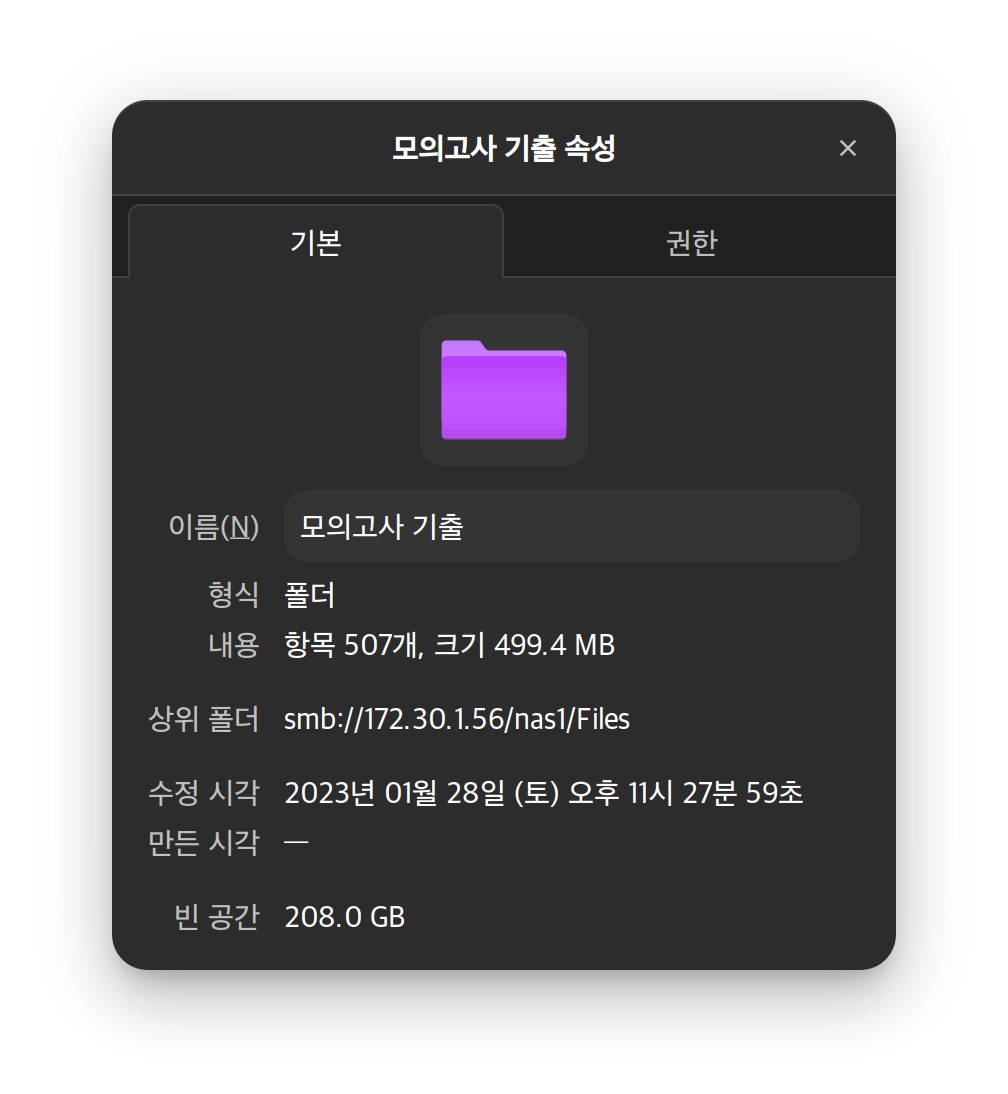
약간 요런 느낌?
코드 보면 알겠지만 사실 파이썬 selenium 라이브러리로 다운로드를 해결하려고 했으나...
폴더 이름 수정도 안 되고 이전 파일 다운로드 중에 다음 파일 다운로드가 시작돼서 파일이 겹치기도 하는 문제가 발생했다
그래서 결국 selenium으로는 다운로드 링크만 다 받아오고,
리눅스 명령어인 wget을 사용해서 pdf 파일을 다운로드했다
빠르다 ㅋㅋ